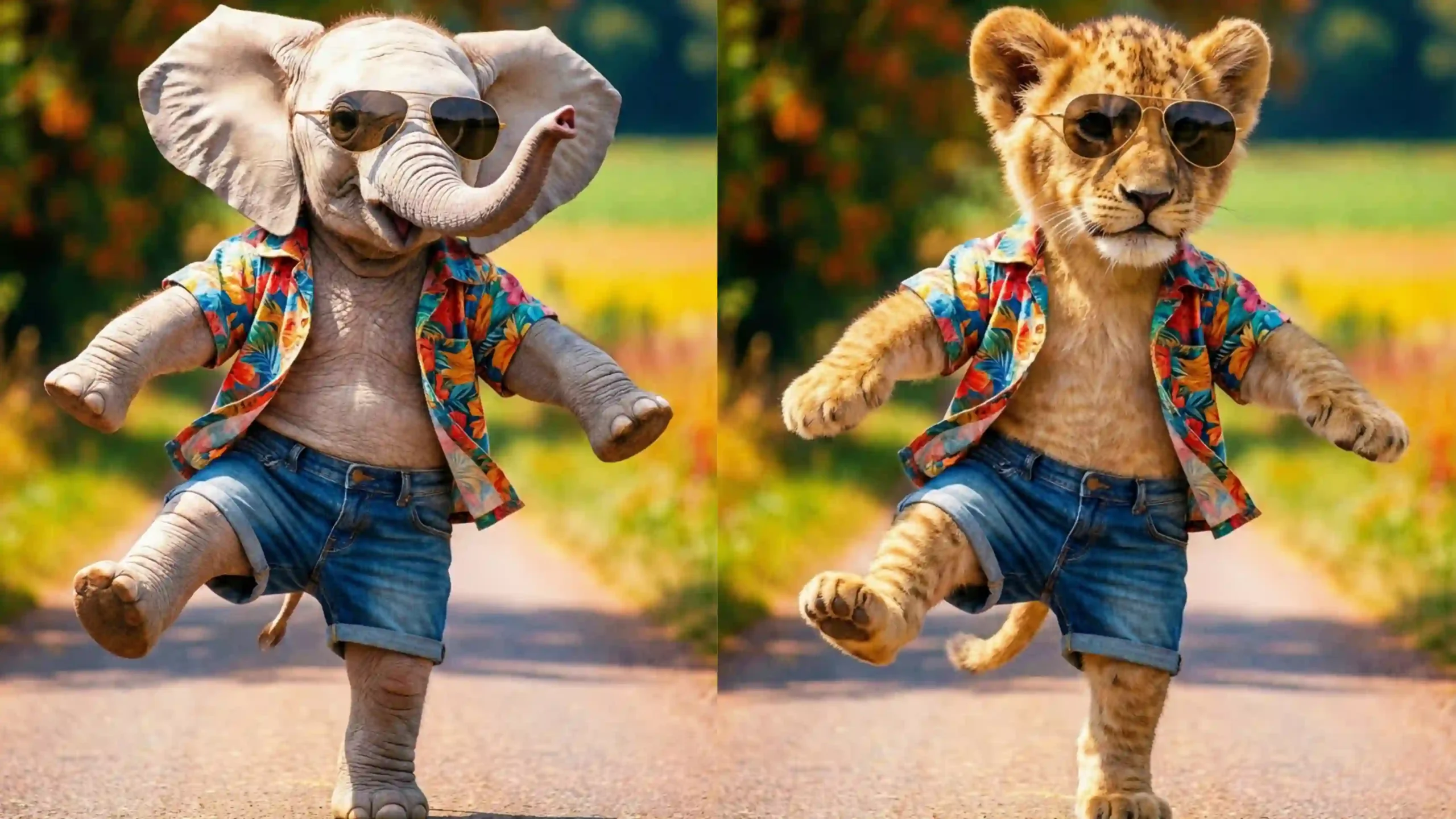
AI Motion Transfer: The Complete 2025 Guide to Turning Photos into Dance Videos Using Artificial Intelligence
The Rise of AI Motion Transfer (AI Motion Transfer)
The world of content creation has changed dramatically in the last few years. What once required cameras, studios, actors, dancers, lighting setups, and long editing hours can now be done with a single photo and a reference video. This transformation is powered by Artificial Intelligence, and one of its most exciting innovations is AI Motion Transfer.
Imagine uploading a simple photo of a person. Then imagine providing a short dance video of someone else. Within minutes, AI creates a brand-new video where the person from your photo performs the exact same dance moves — smoothly, realistically, and convincingly. No dance skills. No filming. No studio.
This is not science fiction. This is AI Motion Transfer, and it is redefining how videos are created in 2025.
From viral Instagram Reels to YouTube Shorts, from digital avatars to marketing campaigns, AI Motion Transfer is becoming one of the most powerful tools for creators worldwide. This article is a complete, beginner-to-advanced guide explaining what AI Motion Transfer is, how it works, where it is used, how to earn money with it, and why it is completely safe for Google AdSense.
Upcoming Mobiles in 2026 | Best Mobile Under 20000
What Is AI Motion Transfer? (AI Motion Transfer)
AI Motion Transfer is an artificial intelligence technology that captures motion patterns from a source video and applies those movements to a target image, character, or avatar.
In simple terms:
- The motion comes from a video
- The appearance comes from a photo
- The AI blends both into a new video
The final output looks like the person in the photo is performing the movements from the video — walking, dancing, posing, or acting.
Unlike traditional animation, AI Motion Transfer does not require manual keyframes or motion capture suits. Everything is done automatically using deep learning models trained on thousands of human movement patterns.
How AI Motion Transfer Works (Step-by-Step) (AI Motion Transfer)
AI Motion Transfer may look like magic, but behind the scenes it involves several advanced AI processes working together.
1. Motion Detection and Pose Estimation
The AI first analyzes the reference video frame by frame. It detects:
- Head position
- Shoulder alignment
- Arm movement
- Leg movement
- Joint angles
- Body posture
This process is called pose estimation. The AI converts human motion into mathematical coordinates.
2. Motion Mapping
Once the poses are detected, the AI creates a motion map. This map stores how each body part moves over time. Think of it as a digital skeleton that moves exactly like the person in the video.
3. Target Image Analysis
Next, the AI studies the uploaded photo or avatar. It identifies:
- Face structure
- Body proportions
- Orientation
- Clothing outlines
This ensures the movements will look natural on the new person.
4. Motion Transfer
The motion map is now applied to the target image. The AI adjusts the motion to match the body shape, height, and posture of the person in the photo.
5. Video Rendering
Finally, the AI generates a smooth, realistic video by filling in missing frames, correcting distortions, and enhancing visual quality.
The result is a fluid, believable motion video that looks human-made.
Ultimate AI Art Prompts for Oil Painting, Sketch & Cinematic Portraits
Why AI Motion Transfer Is Going Viral (AI Motion Transfer)
AI Motion Transfer is not just a technical innovation — it is a viral phenomenon. Here are the main reasons behind its massive popularity.
1. Anyone Can Create Dance Videos
You do not need to know how to dance. You do not need to show your face on camera. AI handles everything.
2. Perfect for Short-Form Content
Platforms like Instagram Reels, YouTube Shorts, and TikTok thrive on eye-catching videos. AI Motion Transfer produces exactly that.
3. Low Cost, High Output
One photo can generate dozens of videos. This makes it extremely efficient for content creators.
4. Entertainment Value
Watching a normal photo come to life with dance moves instantly captures attention.
Popular Use Cases of AI Motion Transfer (AI Motion Transfer)
Social Media Content Creation
Creators use AI Motion Transfer to generate:
- Dance reels
- Funny videos
- Trend-based content
- Meme animations
YouTube Channels
Many YouTube channels now focus entirely on AI-generated dance or entertainment videos.
Virtual Influencers
Brands use AI Motion Transfer to animate virtual models and avatars for marketing campaigns.
Gaming and Metaverse
Game developers use motion transfer to animate characters without motion-capture hardware.
Education and Training
Dance instructors and sports trainers use motion transfer to demonstrate movements visually.
Best AI Fantasy Image Prompt for Black & Yellow Cinematic Glow
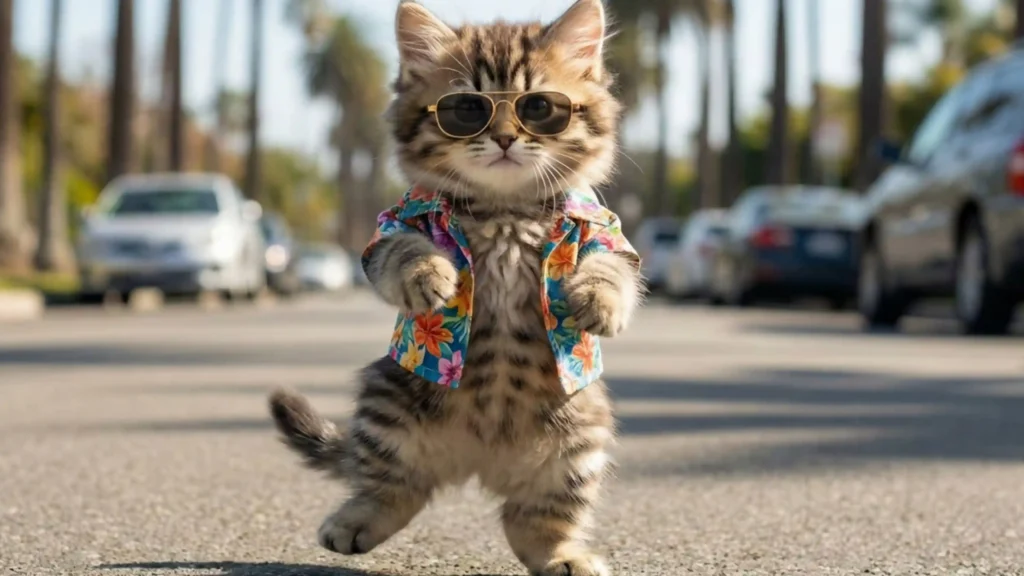
AI Motion Transfer vs Deepfake: Key Differences (AI Motion Transfer)
Although people sometimes confuse AI Motion Transfer with deepfakes, they are very different technologies.
Feature AI Motion Transfer Deepfake
Purpose Transfer body motion Replace faces
Risk Level Low High
Ethical Use Creative Often misused
AdSense Safety Safe Risky
AI Motion Transfer focuses on movement, not identity theft. This makes it much safer and more acceptable.
Popular AI Motion Transfer Tools (AI Motion Transfer)
Several AI platforms provide motion transfer capabilities. Some popular examples include:
Viggle AI – Known for dance motion transfer
Runway – Advanced AI video workflows
Pika – Image-to-video animation
D-ID – Avatar and facial animation
Each tool has different strengths, but the core technology remains the same.
How to Make Money with AI Motion Transfer (AI Motion Transfer)
AI Motion Transfer is not just fun — it is profitable.
1. YouTube Monetization
AI dance videos can attract millions of views. With consistent uploads, creators earn through ads.
2. Instagram Brand Collaborations
Virtual dancers and AI influencers are now getting paid promotions.
3. Freelance Services
Many freelancers offer “photo to dance video” services and charge per video.
4. Stock Video Platforms
AI-generated dance clips can be sold as stock footage.
Is AI Motion Transfer Google AdSense Friendly?
Yes. AI Motion Transfer content is:
Informational
Educational
Creative
Non-violent
Non-adult
As long as content is original and ethical, it fully complies with Google AdSense policies.
Is AI Motion Transfer Google AdSense Friendly?
Yes. AI Motion Transfer content is:
- Informational
- Educational
- Creative
- Non-violent
- Non-adult
As long as content is original and ethical, it fully complies with Google AdSense policies.
Ethical and Legal Considerations
Responsible use of AI Motion Transfer is essential.
- Use only photos you own or have permission to use
- Avoid impersonating real individuals without consent
- Do not spread misinformation
Ethical AI usage ensures long-term success and platform safety.
The Future of AI Motion Transfer
In the coming years, AI Motion Transfer will evolve into:
- Real-time motion transfer
- 3D avatar animation
- Full-body customization
- AI-powered movies
This technology is still in its early stage, and its growth potential is enormous.
Conclusion (AI Motion Transfer)
AI Motion Transfer is more than just a trend. It is a powerful content creation revolution that allows anyone to create stunning motion videos using only a photo and AI.
For bloggers, YouTubers, marketers, and creators, learning and using AI Motion Transfer today means staying ahead of the curve tomorrow.
Prompt:-
“Transfer the dance movements from the reference video to the person in the photo.
Maintain face consistency and body proportions.
Use smooth, realistic motion with small dance steps.
No distortion, no extra movements, natural and clean animation.”
Generate Video
Frequently Asked Questions (FAQ) – AI Motion Transfer
1. What is AI Motion Transfer in simple words?
AI Motion Transfer is a technology that takes movements from one video and applies those movements to a person in a photo, making the photo look like it is alive and moving.
2. How is AI Motion Transfer different from normal video editing?
Traditional video editing requires manual work and skills, while AI Motion Transfer automatically creates motion using artificial intelligence without complex editing.
3. Do I need dancing skills to use AI Motion Transfer?
No. You do not need any dancing skills. The AI copies dance movements from a reference video and applies them automatically.
4. Can beginners use AI Motion Transfer tools?
Yes. Most tools are designed for beginners and require only a photo and a reference video.
5. What kind of photos work best for AI Motion Transfer?
Clear photos with full body visibility, good lighting, and minimal background distractions work best.
6. Can I use mobile photos for AI Motion Transfer?
Yes. Mobile photos work perfectly as long as the image is clear and not blurred.
7. What type of videos are used as motion references?
Dance videos, walking videos, exercise videos, or any clip with visible body movement can be used.
8. How long does AI Motion Transfer take?
Most tools generate videos within a few minutes depending on video length and quality.
9. Is AI Motion Transfer free?
Some tools offer free trials, while others require paid plans for high-quality or watermark-free videos.
10. Can AI Motion Transfer be used for Instagram Reels?
Yes. AI Motion Transfer is ideal for Instagram Reels, Shorts, and TikTok videos.
11. Is AI Motion Transfer allowed on YouTube?
Yes. As long as the content is original and follows YouTube policies, it is allowed.
12. Is AI Motion Transfer safe for Google AdSense?
Yes. AI Motion Transfer content is educational, creative, and fully AdSense-friendly.
13. Is AI Motion Transfer the same as Deepfake?
No. AI Motion Transfer copies body movement, not identity or face replacement.
14. Can I use AI Motion Transfer for commercial purposes?
Yes, but you should check the tool’s license and ensure you have rights to the images used.
15. Can I earn money using AI Motion Transfer?
Yes. You can earn through YouTube ads, brand deals, freelancing, and social media monetization.
16. Is AI Motion Transfer suitable for bloggers?
Yes. Bloggers can write tutorials, reviews, and guides and monetize through ads.
17. Does AI Motion Transfer require a powerful computer?
No. Most tools work online and do not require high-end hardware.
18. Can AI Motion Transfer work on cartoon or anime characters?
Yes. Many tools support animated and illustrated characters.
19. How realistic are AI Motion Transfer videos?
Modern AI tools produce highly realistic and smooth motion videos.
20. Can AI Motion Transfer be used for virtual influencers?
Yes. Many virtual influencers are created using AI Motion Transfer technology.
21. Is it legal to use someone else’s photo?
You should only use photos you own or have permission to use to avoid legal issues.
22. Can AI Motion Transfer be used in education?
Yes. It is used in dance training, sports movement analysis, and visual learning.
23. Can AI Motion Transfer replace real dancers?
No. It complements creativity but cannot replace human talent completely.
24. Is AI Motion Transfer suitable for brand promotions?
Yes. Brands use it for creative ads and digital campaigns.
25. Can I create multiple videos from one photo?
Yes. One photo can be reused with different motion videos.
26. Does AI Motion Transfer work in real time?
Currently, most tools are not real-time, but real-time technology is coming soon.
27. What is the future of AI Motion Transfer?
The future includes real-time animation, 3D avatars, metaverse integration, and AI-generated movies.
28. Can AI Motion Transfer be used for fitness videos?
Yes. Exercise and workout motion videos can be transferred easily.
29. Does AI Motion Transfer affect video quality?
High-quality input images and videos result in better output quality.
30. Why is AI Motion Transfer becoming so popular?
Because it saves time, reduces cost, and allows anyone to create engaging videos easily.